Find the right monitor for your desk and workload.
Compare size, resolution, PPI, refresh rate, panel type, USB-C and desk fit.
Size · resolution · PPI · refresh rate · panel · USB-C · desk fit
Start with a decision
Tools
Latest guides
Is an Ultrawide Monitor Good for Video Editing?
An ultrawide monitor can make timeline editing, bins, scopes and preview windows easier to arrange, but it is not automatically better than a 16:9 display. The right choice depends on vertical resolution, color requirements, desk space and your computer’s ability to drive the extra pixels.
Read guideIs an Ultrawide Monitor Good for Programming?
An ultrawide monitor can make programming more comfortable by keeping an editor, browser, terminal, and documentation visible at once. Its value depends on vertical resolution, text sharpness, desk space, software window management, and your computer’s display output.
Read guide49-Inch Super Ultrawide vs Dual Monitors
A 49-inch 32:9 monitor can replace two side-by-side displays with one continuous desktop, but dual monitors offer more flexibility, easier upgrades, and better fault tolerance. Compare workspace, resolution, GPU demand, curvature, ports, and desk fit before choosing.
Read guide16:9 vs 21:9 Monitor
A 21:9 monitor gives you more horizontal workspace and a wider gaming view, but it needs more desk space and may have compatibility limitations. A 16:9 display is easier to support and remains the safer choice for consoles, standard video, and general-purpose use.
Read guideHow to Choose Between IPS, VA, OLED and Mini-LED
IPS, VA, OLED and Mini-LED each solve different monitor problems. Use this practical decision tree to choose based on contrast, motion, HDR, text clarity, workload and long-term risk.
Read guidePanel Type for Competitive Gaming
For competitive gaming, panel type matters—but refresh rate, pixel response, overdrive tuning and total input latency matter just as much. This guide explains when TN, IPS, VA and OLED make sense for motion-first buyers.
Read guidePanel Type for Video Editing
The right panel for video editing depends on whether you prioritize accurate color, deep contrast, HDR control, motion clarity, or long-term durability. This guide compares IPS, VA, TN, OLED, and mini-LED designs by real editing workload.
Read guidePanel Type for Photo Editing
IPS remains the safest general choice for photo editing because it combines consistent viewing angles with strong color potential. OLED and VA can be excellent for specific workflows, but contrast, text rendering, reflections and long-term wear require closer attention.
Read guideWhat Is OLED Burn-In on a Monitor?
OLED burn-in is permanent uneven wear caused by repeated, static content, while temporary image retention can disappear. Learn how the risk affects desktop work, gaming, HDR, text clarity and panel choice.
Read guideBrowse monitors
Explore computer monitors by size, resolution and specifications.
Browse 41,567 monitors
Browse monitorsPopular filters
Recently added
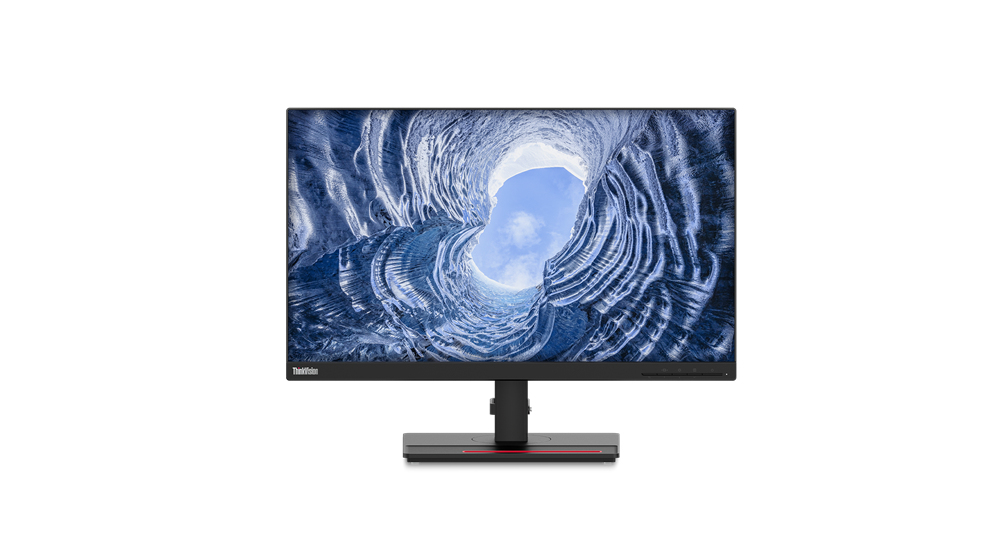
Lenovo ThinkVision T24i-2L computer monitor 60.5 cm (23.8") 1920 x 1080 pixels Full HD LED Black

Lenovo ThinkVision P27u-20 computer monitor 68.6 cm (27") 3840 x 2160 pixels 4K Ultra HD LED Black
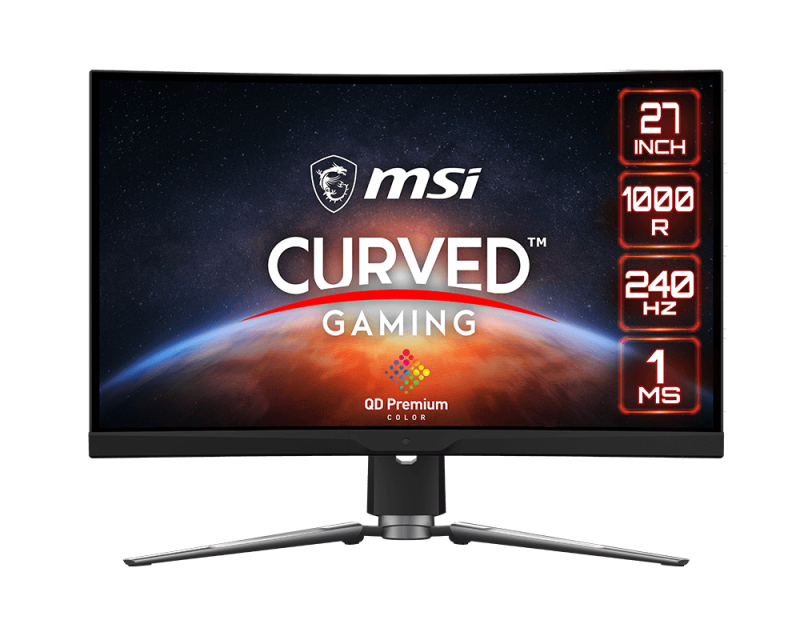
MSI MPG Artymis 273CQRXDE-QD computer monitor 68.6 cm (27") 2560 x 1440 pixels Wide Quad HD LCD Black
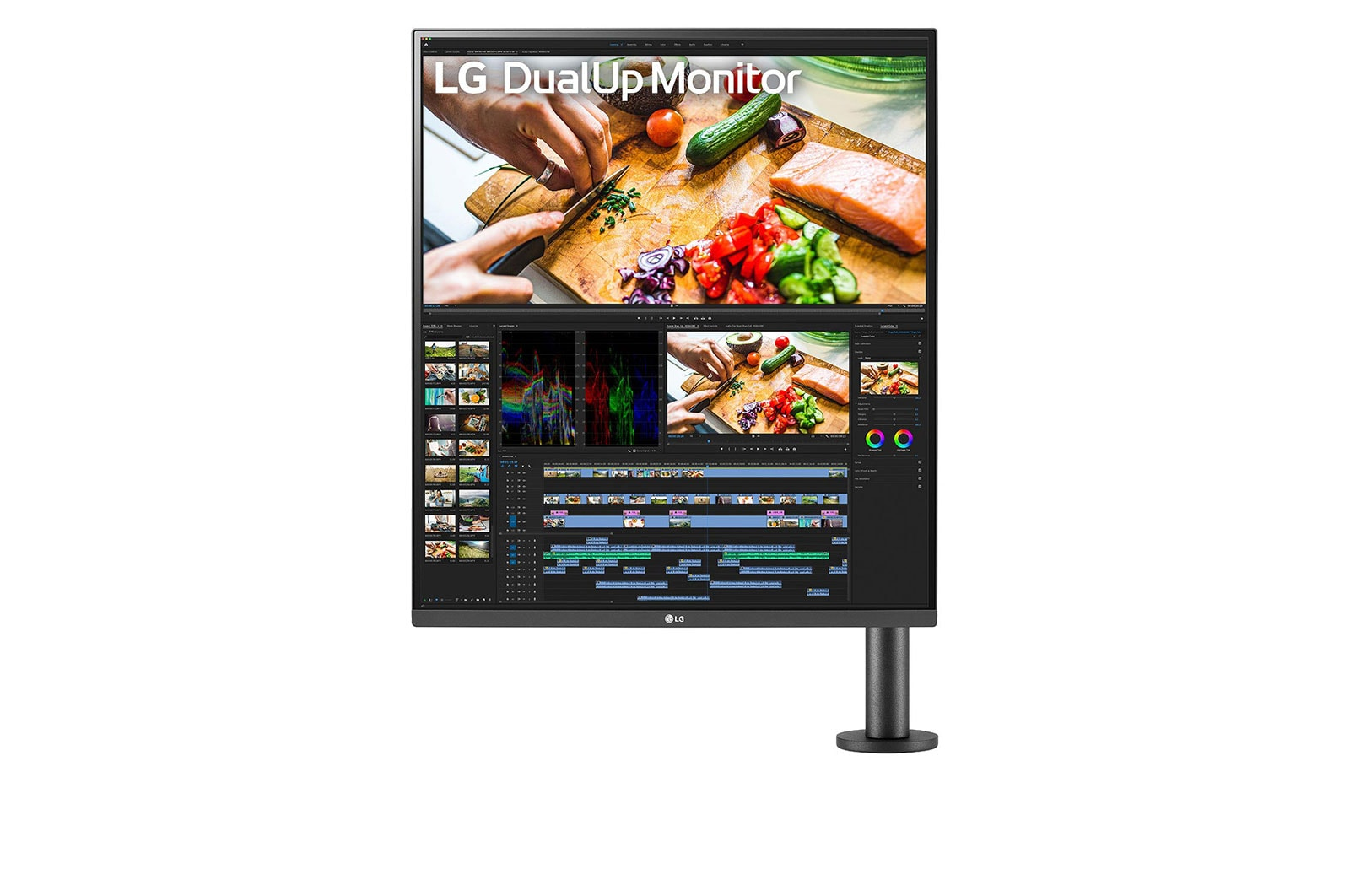
LG 28MQ780-B computer monitor 70.1 cm (27.6") 2560 x 2880 pixels SDQHD LED Black
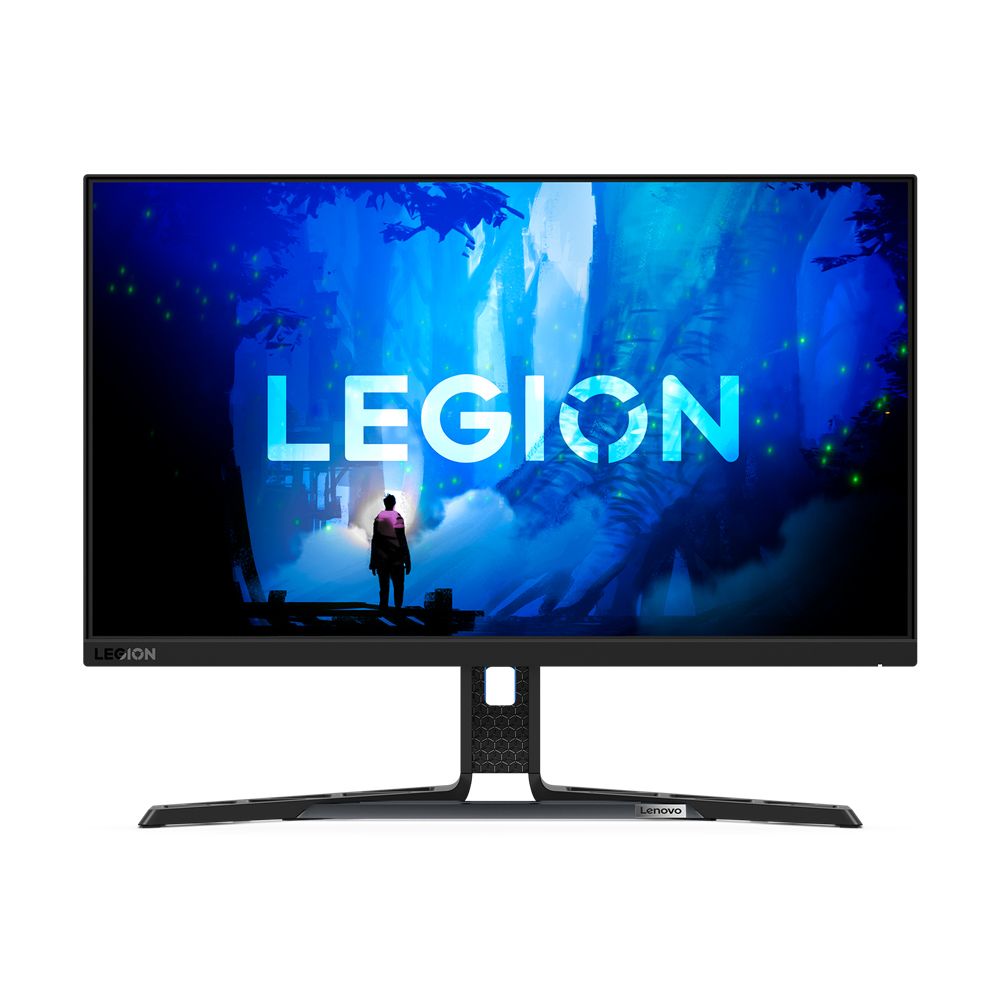
Lenovo Legion Y25-30 computer monitor 62.2 cm (24.5") 1920 x 1080 pixels Full HD LED Black
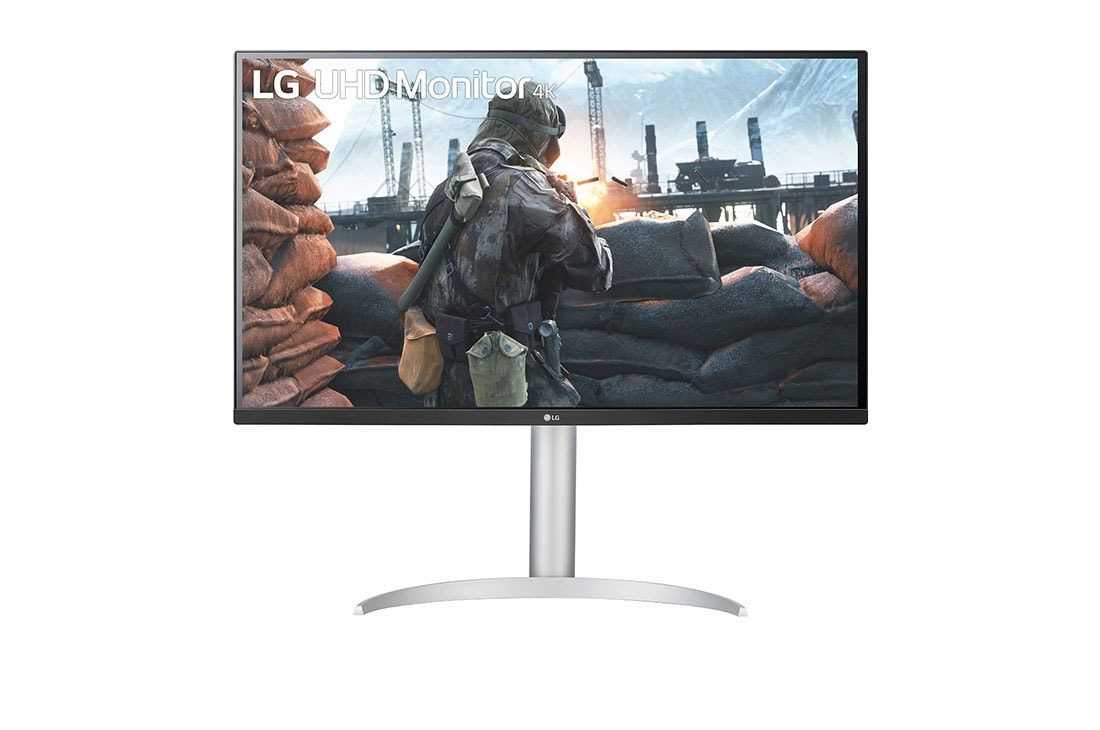
LG 32UP550N-W computer monitor 80 cm (31.5") 3840 x 2160 pixels 4K Ultra HD LCD Black
MonitorFit uses structured product specifications to help compare monitors and make practical decisions. Missing specifications stay unknown.